WhatsApp Business API: complete guide to implementing it in your company
Everything you need to know about the official Meta API: requirements, costs, limits and how to connect it to your current stack.

WhatsApp is the channel where your customers already are. But there is a huge difference in what you can do with the WhatsApp Business app versus the WhatsApp Business Platform (API). This guide sums up what you need to know before implementing it.
WhatsApp Business app vs. API
| WhatsApp Business app | WhatsApp Business API | |
|---|---|---|
| Simultaneous users | Limited to a few devices | Unlimited, through a platform |
| Automation | Quick replies and basic responses | AI agents, flows and integrations |
| Systems integration | No | Yes (CRM, e-commerce, ERP, ticketing) |
| Bulk messaging | Very limited | Meta-approved templates |
If your company handles a significant volume of conversations or needs to connect WhatsApp with other systems, the API is the way to go.
Implementation requirements
- A business portfolio on Meta (Business Manager) verified with your company’s information.
- A phone number that is not registered on the WhatsApp app (or that you can migrate).
- A provider or platform that connects to the API and gives you the inbox, flows and automation.
- A display name that complies with Meta policies.
How costs work
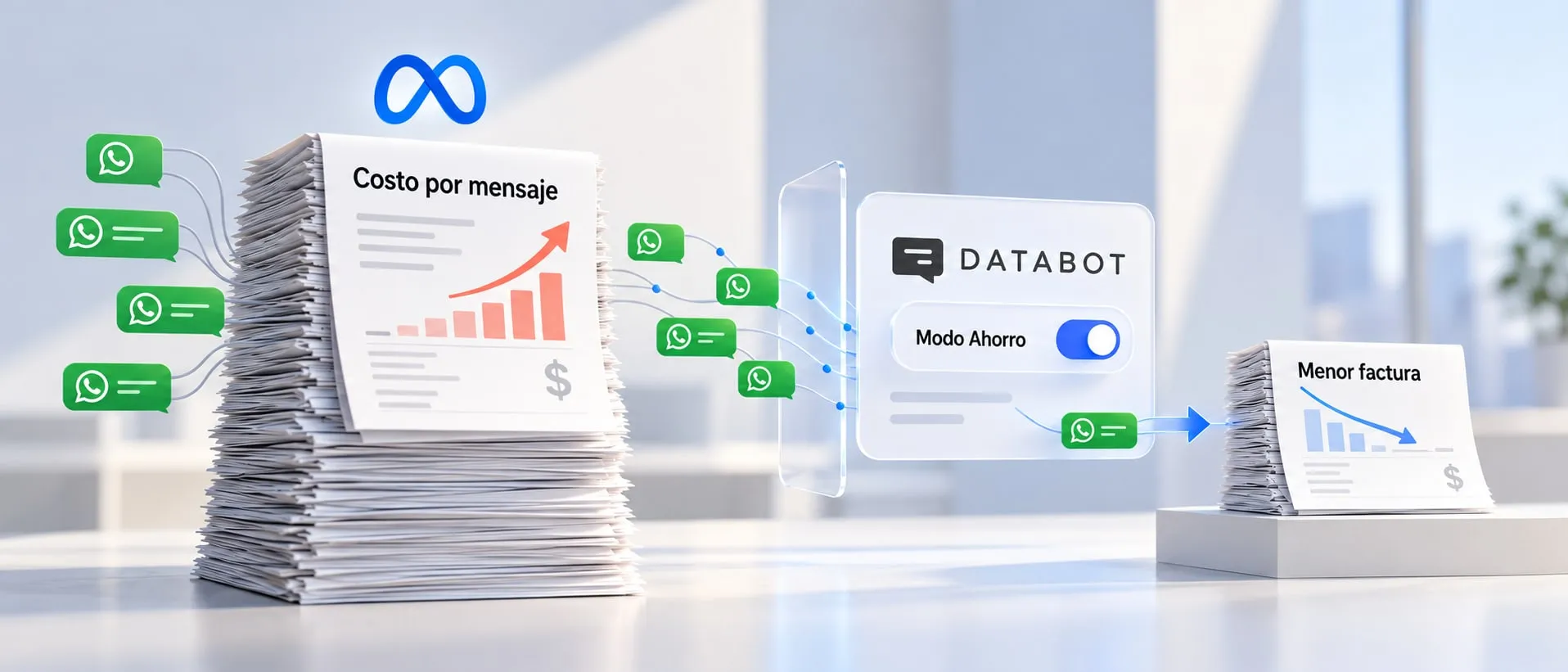
Meta charges per conversation or message based on the category (marketing, utility, authentication and service) and the customer’s country. Rates and rules change periodically, so we recommend always checking the official Meta pricing table before planning your budget.
A rule of thumb: customer-initiated conversations are usually the least expensive, so it pays to have your channels (website, social media, emails) invite people to message you on WhatsApp.
Limits you should know about
- 24-hour window: after the customer’s last message, you can reply freely for 24 hours. Outside that window, you can only send messages using approved templates.
- Templates: every proactive message (reminders, shipping notifications, campaigns) requires a Meta-approved template.
- Messaging tiers: the number of customers you can message per day grows as your number maintains good quality.
How to connect it to your stack
The real value shows up when WhatsApp stops being an isolated inbox:
- E-commerce: stock checks, order status and cart recovery.
- CRM: every conversation is linked to the contact and their history.
- Ticketing: complex cases become tickets with follow-up.
- Scheduling: bookings and automatic reminders.
At Databot, we connect the WhatsApp API with an AI agent trained on your business information, alongside Instagram, web and email, in a single platform. Check out all the available integrations or book a demo.